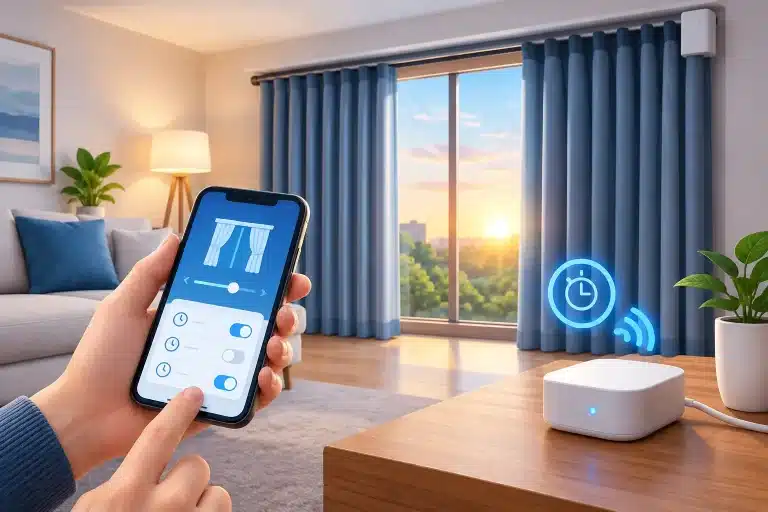
A curtain timer should make the house feel more considered, not make you reach for an instruction booklet every evening. Once you know how to programme curtain timers, your curtains can close for privacy at dusk, open gently in the morning, and keep the home looking occupied while you are away.
Thank you for reading this post, don't forget to subscribe!The exact steps depend on whether your motorised curtain track is controlled by a handset, wall switch, app or wider smart home system. The principle is the same in each case: set the correct time, choose when the curtains should open and close, test the movement, then adjust the schedule to suit how you actually live.
Start with the right curtain movement
Before setting any timer, check that the curtains travel cleanly from fully open to fully closed. The track should be powered, the control should be paired, and the curtains should not be catching on a pelmet, radiator, window handle or furniture.
This matters because a timed command can only be as reliable as the installation behind it. A made-to-measure motorised track is normally set with open and closed limits so the motor knows where to stop. If the curtains stop short, pull unevenly or reverse unexpectedly, resolve that first rather than trying to correct it with a timer.
For centre-opening curtains, confirm that both leading edges meet neatly in the middle. With one-way opening curtains, make sure the stack-back position leaves the window as clear as intended. These small checks give your programmed routine a polished result rather than a daily compromise.
How to programme curtain timers with a remote control
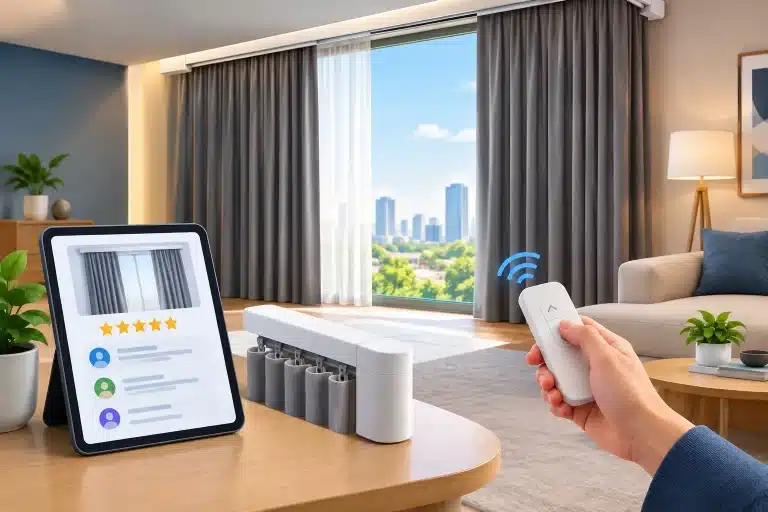
A remote-controlled timer is a straightforward choice when you want daily automation without relying on your phone or home Wi-Fi. Button layouts vary by system, so keep the manufacturer instructions nearby, but the process usually follows a familiar pattern.
First, set the current day and time on the handset. This is easy to overlook, particularly after a power cut or when the clocks change. If the remote thinks it is 7.00pm when it is actually 6.00pm, every later setting will be an hour out.
Next, select the channel for the curtain track you want to programme. A multi-channel remote may control curtains in several rooms, which is useful, but it also means a schedule can be sent to the wrong window if the wrong channel is selected.
Then enter the timer or programme menu and set an opening time and a closing time. Most systems allow you to apply these times every day or choose particular days of the week. Save each setting before leaving the menu, then run a manual open and close command to confirm the track responds correctly.
A sensible starting routine is to open curtains shortly after your usual waking time and close them around dusk. You can refine the schedule after a week. Bedrooms often benefit from a later opening time than living spaces, while a home office may need earlier daylight during the working week.
Use separate routines where they make a difference
One whole-house schedule is simple, but it is not always the best answer. A west-facing sitting room may need privacy earlier than a front bedroom, while a nursery might follow a more consistent evening routine.
If your control allows separate channels and timers, programme each room around its purpose. The benefit is not merely convenience. Well-timed curtains can reduce overlooked windows after dark, make the house more comfortable to use, and avoid the slightly abrupt effect of every curtain moving at once.
Programming curtains through an app
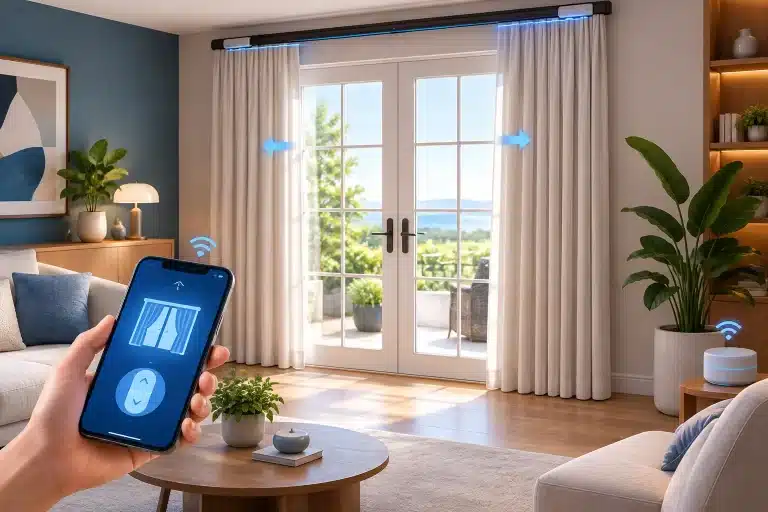
App-controlled curtain timers offer more flexibility. They are particularly useful for homeowners who want different schedules on weekdays and weekends, temporary changes while travelling, or control that can sit alongside lights, heating and other smart devices.
Begin by checking that the curtain motor or hub is connected to your home network and appears as available in the relevant app. Give each track a clear name, such as “Main Bedroom”, “Kitchen Bay” or “Lounge Left”. Clear naming becomes valuable when you have several automated windows and want to make changes quickly.
Create an automation or schedule, select the curtain device, then choose the action: open, close or, where supported, stop at a chosen position. Set the time and the days it should repeat. Some systems also offer sunrise and sunset triggers. These can work well for evening privacy, although they need a little thought in winter when sunset can be much earlier than your usual routine.
After saving the automation, test it while you are at home. Do not assume a confirmation message means the curtains have moved. Watch the track complete the journey, listen for any obstruction, and make sure the schedule has not been duplicated with an older timer.
Fixed times or sunrise and sunset?
Fixed times are predictable. They suit routines such as opening bedroom curtains at 7.00am or closing a street-facing room at 6.30pm. They are also useful where you want curtains shut before children go to bed, regardless of the season.
Sunrise and sunset schedules respond to changing daylight, which can give a more natural result in reception rooms. The trade-off is that a sunset-triggered close may happen earlier than you expect in December or later than you want during a bright summer evening. In many homes, a combination works best: a fixed morning opening and a sunset-based evening close with an offset.
For example, you may set living-room curtains to close 20 minutes after sunset, rather than at the exact moment the sun goes down. This keeps the view available a little longer while still providing privacy before the room becomes visible from outside.
Add curtain timers to a smart home routine
Where curtains are part of a broader smart home setup, timers can do more than follow the clock. A “Good morning” routine might open bedroom curtains, raise the heating and switch on selected lights. An “Away” routine could close curtains, turn off non-essential lighting and later vary curtain movement to make the property appear lived in.
Keep these routines practical. Linking every device at once may sound appealing, but it can create frustration if one command affects a room being used by someone else. Consider individual control as well as household-wide scenes, especially in family homes.
Voice control can be a useful addition for restricted mobility or when your hands are full, but a timer remains the dependable background setting. You should not need to issue the same voice command at the same time every day when the system can handle it automatically.
Avoid the common timer problems
When programmed curtains do not behave as expected, the cause is usually simple. Start by checking the current time and day in the remote or app, then confirm that the correct curtain and channel have been selected. If an app timer has failed, check the hub or bridge is online and that your broadband connection has not changed.
Also look for competing automations. A curtain may be scheduled to close at 7.00pm by the motor app, then told to open at 7.05pm by a smart home scene created months earlier. Remove or amend old rules so there is one clear instruction for each action.
Power interruptions deserve attention too. Some systems retain schedules after an outage, while others may require the time or position limits to be checked again. If your curtains have recently been fitted, avoid making repeated adjustments to the timer until the installer or supplier confirms the motor settings are correct.
Plan timers around the room, not the technology
The best programmed schedule is rarely the most complicated one. Think about when you want daylight, when privacy matters, and whether the room has a regular pattern of use. A simple weekday routine can be more valuable than a long list of automations that no one remembers how to manage.
For a renovation or new installation, it is worth deciding early where controls, power supplies and smart home connections will sit. This is particularly relevant for bay windows, corner tracks, recessed installations and wall-to-wall curtains, where the track layout affects both the finished appearance and the way the room is controlled. Smart Curtains can help homeowners plan these details before fitting, so the automation feels properly integrated rather than added as an afterthought.
Give yourself a few days to live with the first programme, then make one small adjustment at a time. The right curtain timer is the one you stop noticing – except when it gives you privacy, daylight and reassurance exactly when you want them.